Optimizing Personalized Video Messaging for Sales Engagement: Strategies, Tools, and Case Studies
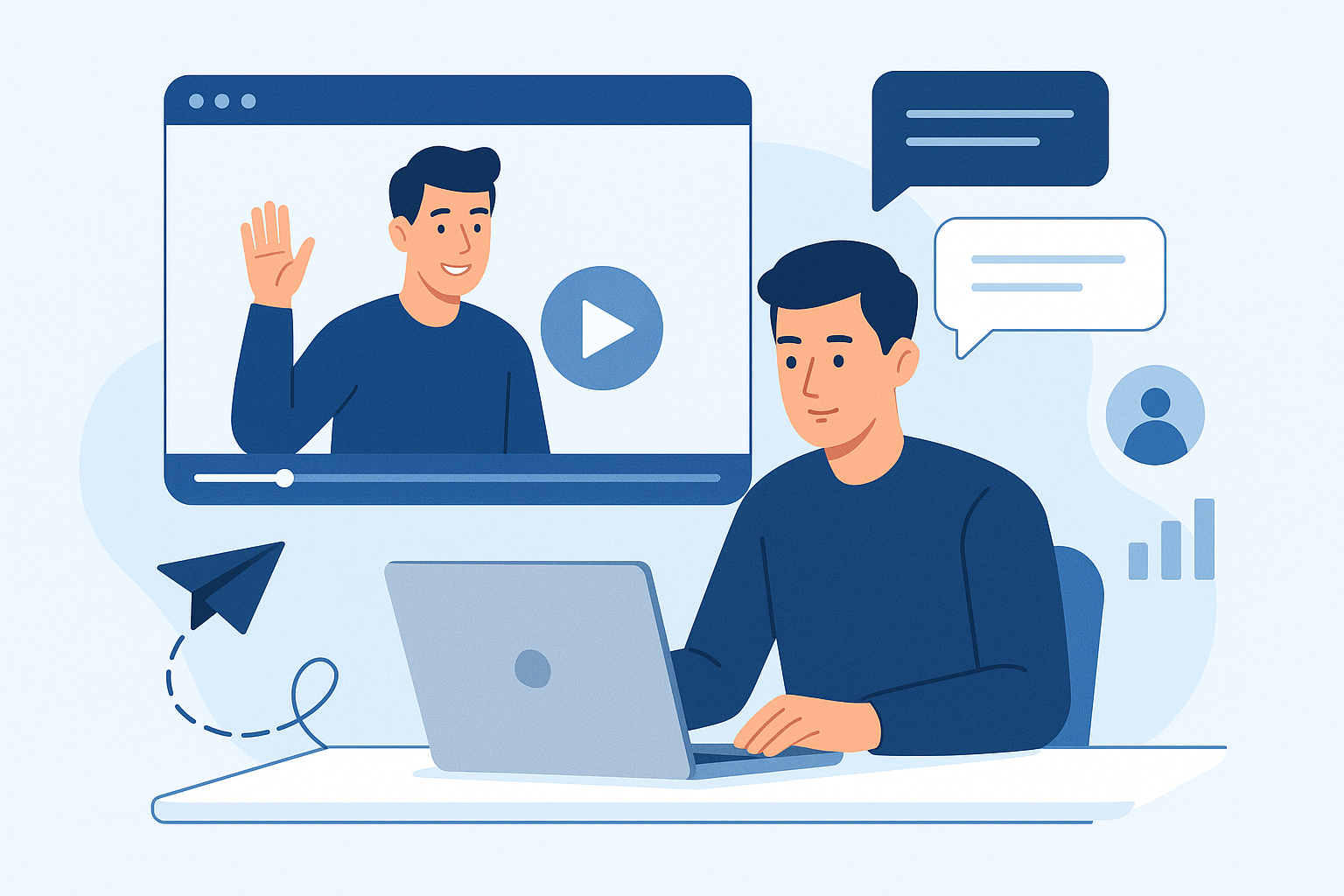
improve Personalized Video Messaging for Sales Engagement: Strategies, Tools, and Case Studies
Personalized video messaging is one of the most effective ways to cut through inbox noise, build rapport, and accelerate pipeline development. This article explains how to approach improve personalized video messaging for sales engagement, offering practical best practices, step-by-step integration workflows, a comparative review of top tools, real-world case studies with measurable results, and the latest video technologies that boost conversions. Use this as a playbook for SDRs, account executives, marketing managers, and B2B content creators.
Practical strategies and tips for high-converting personalized videos
When improve personalized video messaging for sales engagement, focus on clarity, relevance, and frictionless viewing. Below are tactical best practices that work across industries and buyer stages.
Personalization best practices
- Use specific context: Reference a recent event (product announcement, funding round, job change) or a concrete challenge. Specificity wins over generic phrases like “thought you might be interested.”
- Keep it authentic: Short, conversational tone and natural pauses build trust. Avoid scripted-sounding monologues-treat it like a one-on-one conversation.
- use data tokens: Use CRM tokens for name, company, role, and a concise note about the prospect’s situation to scale personalization without manual rework.
Scripting, length, and structure
- Opening in 5 seconds: Start with the prospect’s name and one-line value proposition or reference (e.g., “Congrats on the Series A, Alex-thought of one idea to cut onboarding time”).
- Ideal length: 30-90 seconds for cold outreach; 1-3 minutes for product demos, onboarding, or renewals.
- Simple structure: Hook → Insight → Micro-demo or example → Clear next step.
CTAs and subject lines that drive opens and replies
- Subject lines: Personal, curiosity-driven, and under 50 characters. Examples: “Alex - quick idea for [COMPANY]” or “A 60-second thought on onboarding at [COMPANY]”.
- Video CTAs: One clear CTA (e.g., “If this resonates, reply with a good time for 15 minutes” or “Click to book a brief slot”). Use overlay buttons or a verbal CTA plus a linked thumbnail.
- Fallback CTA: Provide an alternative non-committal next step (download a one-page summary, view short case study) to reduce friction.
Hands-on tutorial: embedding personalized videos into outreach workflows
Below are step-by-step workflows for embedding personalized videos into email sequences, CRM workflows, and sales cadences so you can operationalize video at scale.
How to add videos to email sequences
- Record the video using your chosen tool (webcam + screen when needed). Keep length targeted to the sequence stage.
- Host the video on a platform that provides a shareable thumbnail/GIF and tracking. Export a thumbnail and copy the share link.
- Insert the thumbnail into your email template with an animated play button and set the image to link to the hosted landing page. Add alt text describing the video for accessibility.
- Use subject line personalization tokens and a one-line preview text referencing the video.
- Set follow-up touches based on opens, link clicks, and watch percentage (e.g., if watched >50%, route to AE for outreach).
CRM workflow and sales cadence integration
- Create a template in your CRM with merge fields for name, company, and a customized line pulled from lead data.
- Add the video touch as a step in your cadence (e.g., Step 2: Personalized video after initial email). Use automation to populate the unique link or record ID.
- Use activity triggers: if the video is watched >30% or clicked, automatically create a task for the owner or escalate lead priority.
- Log metrics back to the CRM-watch rate, clicks, and replies-to inform scoring and A/B testing.
Tools review and comparison: choosing the right platform
Selecting the right platform matters for scale, personalization features, and analytics. Below is a compact comparison of notable platforms, their strengths, pricing pointers, and recommended use cases.
Platform feature comparison (overview)
- Vidyard: Enterprise-grade analytics, advanced personalization tokens, native CRM integrations. Pricing ranges from free basic tiers to enterprise plans-paid tiers often start in the mid-range per user per month. Best for sales teams that need deep analytics and secure hosting.
- Loom: Fast, easy recording with basic sharing and team features. Free tier for basic use; Pro tiers are affordable (single-digit to low-double-digit per user monthly). Best for fast internal and customer-facing videos when simplicity is priority.
- BombBomb / Covideo: Focused on email video for sales with built-in email integrations and tracking. Mid-market pricing; good for teams prioritizing asynchronous outreach via email.
- Bonjoro: Personal onboarding and customer success videos with team workflows. Pricing varies by feature; well-suited to customer success and renewal teams.
- Dubb / Hippo Video: Combine recording, landing pages, and CTA overlays; competitive pricing for SMBs. Useful when you need embedded CTAs and conversion-focused landing pages.
How to choose
- Start with goals: If your priority is conversion analytics and CRM sync, choose platforms with enterprise integrations. If you need speed and low friction, pick lightweight tools.
- Test for deliverability: Some email clients block embedded players; always use a thumbnail that links to a hosted page to preserve tracking.
- Factor in scalability: Look for bulk personalization (merge video tokens) if you plan to scale to hundreds of touches per campaign.
Real-world case studies: measurable success with personalized video
The examples below show how teams improved engagement and conversions by improve personalized video messaging for sales engagement. Names are anonymized; metrics reflect typical achievable outcomes.
Case study 1 - SDR-driven outbound for a mid-market SaaS
Setup: An SDR team added a 45-60 second personalized video to step two of a 5-touch outbound cadence. Videos referenced a recent prospect event and included a one-line teaser and CTA to schedule a discovery call.
Results: Reply rate rose from 3% to 12% in six weeks; meetings scheduled per 1,000 touches increased from 12 to 42 (250% improvement). Conversion to SQL improved by 30%. Key lesson: short, highly specific videos combined with targeted subject lines produced outsized lifts.
Case study 2 - Account management and renewals for an enterprise client
Setup: A renewal team created 90-120 second ROI recap videos for accounts approaching renewal. Videos included personalized KPIs and a slide of the anticipated ROI if the customer renewed.
Results: Renewal rate increased by 18% among engaged accounts; churn reduced meaningfully, and average contract value on renewals rose 7%. Lesson learned: personalized value recaps reduce friction and reframe renewal conversations from administrative to strategic.
Case study 3 - Marketing-led nurture for demo conversion
Setup: Marketing inserted a personalized welcome video into MQL nurture emails for high-fit leads, using dynamic tokens pulled from form submissions.
Results: Demo request rate from nurture emails increased by 35%; email CTR rose 22%; the cost per demo decreased as inbound quality improved. Insight: personalization at top-of-funnel accelerates progression to meetings when paired with clear next steps.
Latest trends and video technologies that amplify engagement
Video tech is evolving quickly. Three trends in particular help teams scale personalization while improving measurement and interactivity.
Interactive video and CTAs
Interactive elements-clickable hotspots, chapter markers, and embedded forms-reduce friction by letting prospects take action without leaving the video. Use overlays for “book a time” or “view pricing” to shorten the path to conversion.
AI-driven personalization
AI can help generate personalized script suggestions, synthesize prospect data into talking points, and even create synthetic voiceovers or dynamic video variations. Use AI to scale ideation and maintain authenticity, but always review and edit auto-generated content for accuracy and tone.
Advanced analytics and attention metrics
Modern platforms provide watch percentage, attention heatmaps, and drop-off points. Tie these metrics to lead scoring-watch time often correlates more strongly with pipeline progression than click-through alone. Use analytics to iterate subject lines, video openings, and CTA placements.
Cross-channel expansion
Personalized videos are expanding beyond email: use them on LinkedIn InMail, SMS (short clips or links), and landing pages tailored per account. Multi-channel exposure increases familiarity and improves response rates.
Actionable takeaways, implementation checklist, and next steps
Below are concise takeaways and a practical checklist to get a personalized video program running fast and measurable.
Key takeaways
- Start small, measure quickly: Pilot a single cadence or renewal use case and track watch rates and meeting conversions.
- Prioritize relevance over production value: Authentic, short videos outperform polished but generic content in outreach.
- Use analytics to fuel iteration: improve subject lines, openings, and CTAs based on watch percentage and reply behavior.
- Automate where possible: CRM tokens and platform integrations let you scale personalization without losing context.
Implementation checklist
- Define the pilot objective (e.g., increase meeting rate for outbound SDRs by X%).
- Choose one or two platforms to test and confirm CRM/email integrations.
- Create 3-5 video templates (cold touch, follow-up, renewal, demo recap) and scripting guidelines.
- Train a small group of reps on recording best practices and message structure.
- Deploy in a controlled cadence with tracking for opens, clicks, watch percentage, replies, and meetings.
- Review results weekly, iterate subject lines and openings, then scale successful patterns.
Consider trying a short, measurable pilot with one sales segment to validate impact before broader rollout.
Conclusion
improve personalized video messaging for sales engagement is both a tactical and strategic opportunity. Short, context-rich videos can significantly increase replies, meetings, and renewal rates when integrated thoughtfully into email sequences and CRM workflows. Choose the right tools for your scale, rely on data to iterate, and use emerging technologies-interactive elements and AI-to expand impact. Use the checklist above to launch a focused pilot, then scale what works.
For teams building a pipeline, consider trying this approach in one outreach stream and measure watch rates and conversion lifts over a 4-8 week window to quantify ROI and refine your process.