Boost Conversions with Personalized Video Outreach Strategies for Sales
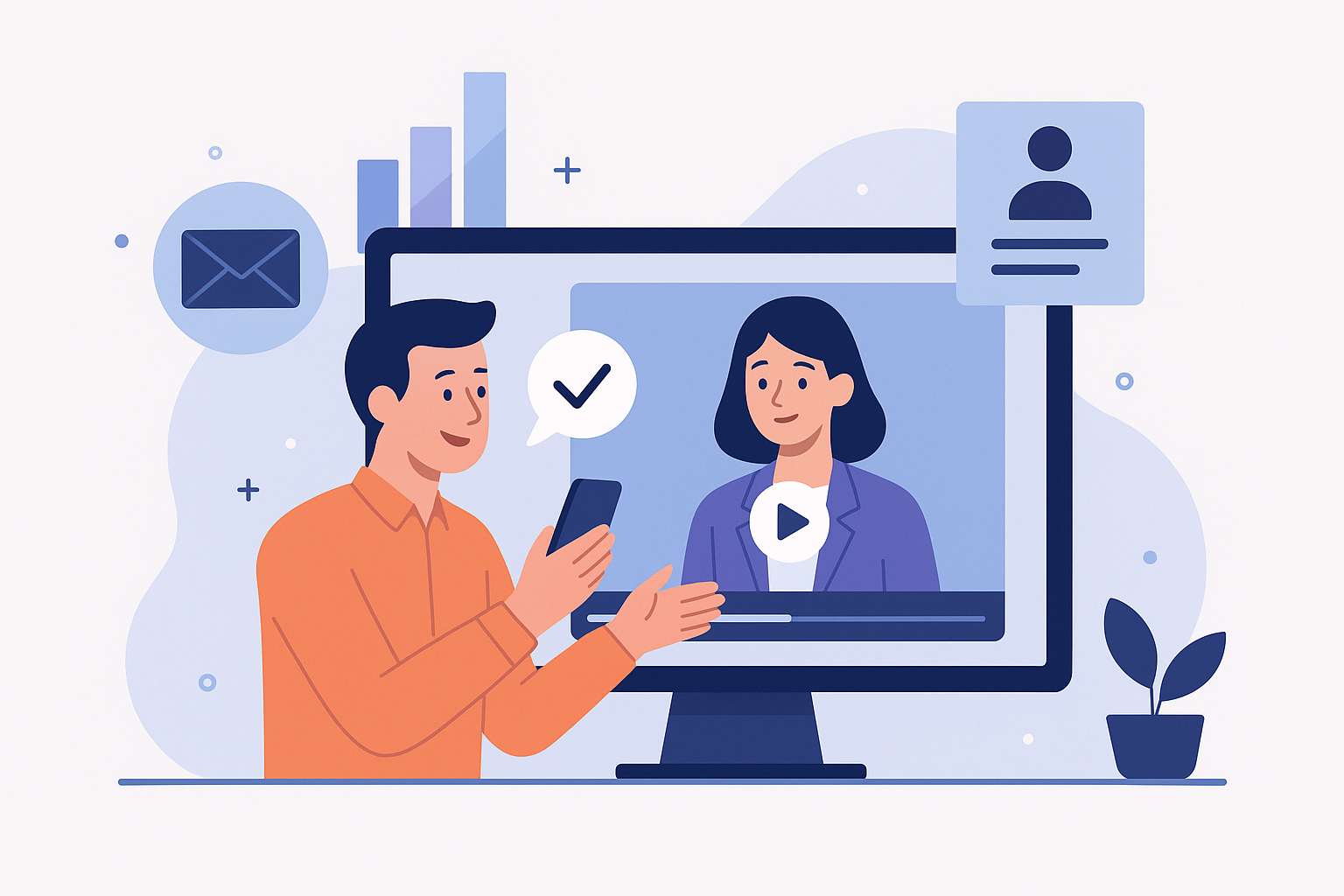
Boost Conversions with Personalized Video Outreach Strategies for Sales
Why Personalized Video Outreach Matters
Personalized video outreach strategies for sales are no longer a novelty - they’re a performance lever. Short, tailored video messages increase engagement by making outreach feel human, memorable, and action-oriented.
High-level benefits:
- Higher open and reply rates: Personalized video subject lines and thumbnails can lift open rates and encourage replies compared with plain-text emails.
- Better qualification: Prospects watch a minute of a tailored message and self-qualify faster than through asynchronous emails alone.
- Improved conversions: Teams that use video in cadences commonly report higher meeting-booking and demo-conversion rates.
"A focused, 60-90 second personalized video often drives more responses and higher quality conversations than a sequence of templated emails."
Use this guide to implement repeatable, measurable personalized video outreach strategies for sales - from planning and scripting to AI-driven customization and evaluation.
Step-by-step Tutorial: 5 Steps to Create Effective Personalized Video Messages
Step 1 - Plan: Define goals & segment your audience
Start by mapping the objective for each video: book a meeting, confirm interest, or nurture an account. Segment by role (e.g., SDR → AE handoff, product lead, VP), industry, or trigger (trial user, webinar attendee).
Deliverables: target persona, single measurable goal, and a 1-2 line personalization hook for each segment.
Step 2 - Script: Keep it short, specific, and valuable
Aim for 45-90 seconds. Follow a three-part structure:
- Hook (5-10s): Mention the recipient’s name and a relevant signal (company news, role, trial behavior).
- Value prop (20-40s): Explain the specific benefit relative to the recipient’s context.
- Clear next step (10-15s): Offer a low-friction CTA - a 15-minute call, a link to relevant content, or a tailored demo time.
Example opener: "Hi [Name], I saw you recently started a trial of [Product]. In 60 seconds I’ll show how you can reduce onboarding time by half." Keep language conversational.
Step 3 - Record: Technical and delivery best practices
Recording checklist:
- Good lighting (natural light or soft front light), 1080p camera or modern phone, and clear audio (lav or condenser mic).
- Neutral background or branded backdrop but avoid clutter.
- Look at the camera, not the screen. Speak slowly and smile briefly to build rapport.
- Record a clean slate take and a personalized take; keep alternate lines for quick edits.
Step 4 - Edit: Trim, brand, and customize
Editing focus: remove pauses/fillers, add captions, include a thumbnail with a friendly face and short text, and insert a visual CTA (calendar link or one-line benefit).
Use templates for consistent branding and to speed up personalization (intro animation, lower-third name tag, outro CTA).
Step 5 - Deliver: Integrate with sequences and CRM
Delivery best practices:
- Embed or link video in email with an image preview; include a short copy above the fold referencing the personalization point.
- Personalize subject lines and the first sentence to align with the video hook.
- Log the outreach in your CRM and trigger follow-ups based on play/watch behavior.
Comparing 3 Leading AI Customization Tools
The right tool depends on scale, creative control, and workflow. Below are three popular options used in sales outreach: Synthesia, Vidyard, and Descript. Each supports personalization differently - from dynamic fields to AI avatars and automated editing.
Synthesia
What it does: Generate AI-driven video using digital avatars and dynamic text-to-speech; supports variable fields for personalized video at scale.
- Use cases: Hyper-personalized prospect videos, multi-language outreach, account-based marketing assets at scale.
- Features: AI avatars, custom avatars (enterprise), dynamic field injection, subtitles, multiple languages.
- Pricing: Free trials often available; paid plans usually start with individual/creator tiers, enterprise pricing for scale and custom avatars. Verify current pricing with vendor.
- Pros: Scales personalization, reduces recording time, supports localization.
- Cons: Less authentic than a real person onscreen for high-touch outreach; licensing and brand fit must be evaluated.
Vidyard
What it does: Video creation, hosting, and analytics platform built for sales and marketing with personalization tokens, embed options, and CRM integration.
- Use cases: One-to-one outreach by SDRs, video libraries for AEs, video content in sequences and landing pages.
- Features: Browser/desktop recorder, thumbnail/CTA customization, detailed viewer analytics, CRM & sequence integrations.
- Pricing: Free tier available for basic recording; paid plans with advanced analytics and integrations - enterprise tiers for teams.
- Pros: Sales-focused features, strong analytics, native CRM integrations.
- Cons: Cost scales with team size and feature needs; personalization at scale may require templating or API work.
Descript
What it does: AI-assisted audio/video editing, transcript-based editing, filler removal, and overdub voice features that speed up high-quality edits.
- Use cases: Fast edits for personalized takes, removing mistakes, repurposing long content into short outreach videos.
- Features: Transcript editing, Studio Sound (audio cleanup), multitrack editing, collaboration tools.
- Pricing: Tiered plans from free/basic to pro/team; enterprise features vary.
- Pros: Fast editing workflow, lowers technical barriers, improves polish.
- Cons: Not a hosting/analytics platform - pair with a hosting tool for tracking plays and CRM logging.
Integrating These Tools into Your Workflow
Integration roadmap:
- Choose a primary tool based on scale: Synthesia for high-scale dynamic personalization, Vidyard for sales-hosted video with analytics, Descript for fast editing and polish.
- Connect to CRM (HubSpot, Salesforce) and sequence platforms (Outreach, Salesloft) so play events trigger follow-ups.
- Standardize templates and tokens (e.g., {{first_name}}, {{company}}) and test field compatibility across tools.
- Automate logging and notification: when a video is played > 50%, trigger an SDR alert for a phone follow-up.
Measure & Review: Track Impact of Personalized Video Outreach
Key Metrics to Track
- Delivery/Open rate: Email open rate for video messages.
- Play rate: Percentage of recipients who clicked to play the video.
- Watch-through rate: Average percentage of video watched (e.g., 0-25%, 25-50%, 50-100%).
- Reply rate: Direct responses after video outreach.
- Meeting conversion rate: Meetings booked per video sent.
- Pipeline & closed revenue attributed: Downstream opportunity creation and deal close rates.
A/B Test Designs
Two sample A/B tests to run:
- Test A - Video vs. Text-only: Randomly assign matched prospects to a personalized video email or a standard personalized text email. Measure reply and meeting rates.
- Test B - Human vs. AI avatar: For the same message, test a short human-recorded video vs. an AI-avatar personalized video (Synthesia or similar). Measure play-through and conversion.
Use at least several hundred recipients or run over multiple weeks to control for timing and list variability.
Sample Dashboard Metrics
Build a dashboard with these panels:
- Volume: videos sent by rep / segment
- Engagement funnel: open → play → watch 50%+ → reply → meeting
- Average watch time per segment
- Conversion rates vs. baseline (non-video outreach)
- Revenue influenced and cycle time changes
Short Case Studies (Illustrative)
Case Study 1 - SDR Team (SaaS product)
Situation: SDRs added a 60-second personalized video to high-value outbound sequences for target accounts.
Outcome: Play rates averaged 42%, reply rates increased by 28% over baseline, and meeting-booking rate rose from 6% to 10% for the targeted segment - a relative increase of ~67% in booked meetings.
Case Study 2 - Growth Marketing (Trial-to-paid)
Situation: Growth team sent personalized onboarding videos to trial users who hit activation but not conversion.
Outcome: Watch-through rates of 60% correlated with a 12% lift in trial-to-paid conversion among viewers versus a 4% lift among non-viewers. The team used dynamic tokens to scale previews and leveraged CRM triggers for timely sends.
Practical Tips, Common Pitfalls & Checklist
7 Actionable Tips
- Be specific: Reference a recent event or metric about the prospect - generic praise doesn’t move the needle.
- Lead with value: Tell them why this matters to them in the first 10 seconds.
- Use captions: Many viewers watch muted in work environments; captions improve engagement and accessibility.
- improve thumbnail: Use a close-up face thumbnail with a 3-5 word benefit overlay to increase click-to-play.
- Segment cadence: Use video selectively for higher-value accounts or stages where human touch accelerates outcomes.
- Respect privacy: Avoid sensitive personal data in videos and ensure compliance with data and outreach consent policies.
- Measure and iterate: Track watch-through and reply behavior and refine messaging and CTAs weekly.
Common Pitfalls to Avoid
- Over-personalization that sounds scripted or invasive.
- Poor audio/lighting that undermines credibility.
- Too long - keep outreach videos under 90 seconds.
- Sending videos without context in the email body or subject line.
- Failing to log activity into the CRM for consistent follow-up.
Checklist Before Sending
- Is the video length 45-90 seconds?
- Does the first 10 seconds address the prospect and a clear pain point?
- Are captions and a compelling thumbnail included?
- Is the CTA clear and low friction (15-min call, calendar link, specific resource)?
- Is consent and privacy considered (opt-out instructions or compliance as required)?
- Is the send logged and a follow-up action automated in the CRM?
Conclusion: Implementation Roadmap, Templates & Resources
Short Implementation Roadmap (8-10 weeks)
- Weeks 1-2: Pilot planning - select segment, define metrics, choose the primary tool.
- Weeks 3-4: Script & produce 10-25 pilot videos; set up tracking & CRM integration.
- Weeks 5-6: Run pilot A/B tests and collect engagement data.
- Weeks 7-8: Analyze results, iterate scripts/templates, and scale to additional segments.
- Ongoing: Quarterly review of messaging, tool usage, and ROI attribution.
Short Templates
Video opener (30s script):
"Hi [Name], it’s [Your Name] from [Company]. I noticed [personal signal]. We help teams like yours reduce [specific pain] by [one-line benefit]. If you've 15 minutes, I’ll show a quick example tailored to [Company]. Would Tuesday or Thursday work?"
Email subject line examples:
- "[Name], 60 seconds to reduce onboarding time"
- "Quick video for [Company] - idea inside"
- "A short note about [specific signal] at [Company]"
CTA phrasing examples:
- "Book 15 minutes - I’ll show what this looks like for [Company]."
- "Reply with a good time and I’ll send a short demo."
- "Watch this 60-second example and I’ll follow up with context."
Additional Resources
For deeper vendor research and how-to guides, see:
- Vidyard - video platform for sales
- Synthesia - AI-generated video and avatars
- Descript - AI-assisted editing and transcripts
- HubSpot Sales Blog - practical sales outreach articles
Consider trying one of these approaches in a focused pilot to validate impact before scaling. Personalized video outreach strategies for sales deliver the best ROI when guided by clear goals, tight measurement, and consistent iteration.