Best Practices for Personalized Video Emails in Sales: A Step-by-Step Guide for Sales Teams
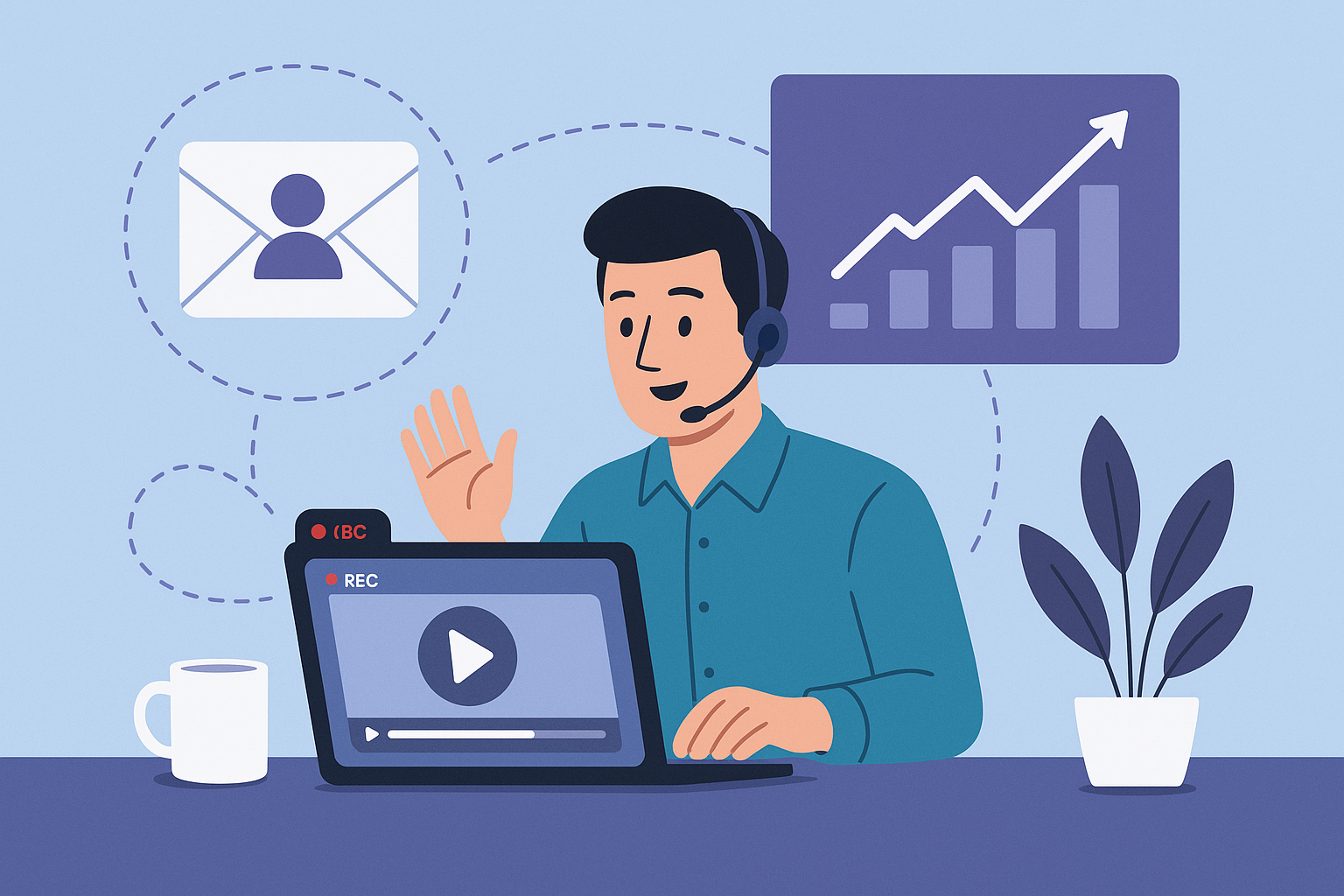
Best Practices for Personalized Video Emails in Sales: A Step-by-Step Guide for Sales Teams
Short SEO intro: Personalized video emails are one of the most effective ways to stand out in crowded inboxes-this guide covers the best practices for personalized video emails in sales, showing sales teams how to plan, execute, and measure video outreach that drives replies and meetings. Thesis: with the right planning, simple production standards, and data-driven measurement, sales reps can reliably improve engagement and conversion using personalized video email.
1. Planning: Who, Why, and How
Effective video email campaigns start before you hit record. Spend serious time planning audience segmentation, goals, messaging strategy, and the tools you'll use.
Audience segmentation
- Top-of-funnel / cold outreach: Short, curiosity-driving clips that introduce value and propose a quick next step.
- Mid-funnel / qualification: Personalized demos, product fit snippets, or competitor differentiation tailored to the account.
- Expansion / upsell: Use data-driven context to highlight features relevant to current usage and new opportunities.
Define measurable goals
Decide upfront what success looks like-open rate lift, click-through rate, replies, meetings booked, or pipeline value. Make goals specific and time-bound (e.g., "Increase reply rate from 4% to 9% in 8 weeks").
Messaging strategy
- Value-first: Lead with the prospect's pain point, not product features.
- Micro-personalization: Mention a detail unique to the recipient (role, company event, recent funding, or product they use).
- Clear next step: One-call-to-action (CTA) per video (book a meeting, view a one-minute demo, or reply).
Tools & platforms
Choose tools that enable quick recording, customization at scale, analytics, and deliverability. Include vimail.io for fast, personalized video creation and email integration. Complementary tools may include your CRM, calendar scheduler, and email sequencing platform.
2. Execution: Video Creation, Personalization, and Workflows
Execution is where strategy becomes outcomes. Follow production standards, personalization techniques, and repeatable workflows so reps can send consistent, high-quality clips.
Practical video-creation tips
- Length: 20-60 seconds for cold outreach; 60-120 seconds for product demos or qualification videos.
- Format: Square or 16:9 landscape for email thumbnails; vertical can work for mobile-first audiences.
- Script structure (30-45s):
- Greeting + name (3s)
- One-sentence reason you’re reaching out (7-10s)
- One specific benefit or insight (10-15s)
- Clear CTA + next step (5-10s)
- Framing: Head-and-shoulders with eye-level camera; maintain direct eye contact with the lens.
- Lighting: Natural front-facing light or a soft LED panel; avoid strong backlight.
- Audio: Use a lavalier or USB mic; keep background noise minimal.
- Thumbnails: Use a dynamic, personalized thumbnail showing the rep’s face and the prospect’s name or company logo for better open and play rates.
Script templates and snippets
Copy and adapt these short scripts for different outreach types.
- Cold intro (30s):
"Hi [Name], I’m [Your Name] with [Company]. I saw [specific trigger]. We help teams like yours reduce [pain] by [benefit]. Quick 10-minute call to share how we did X for [similar company]? If interested, reply with a good time."
- Demo highlight (60s):
"Hi [Name], thanks for your interest. Here’s a 60-second look at how [feature] solves [problem]-notice how it [result]. If this resonates, I can walk you through a tailored demo next week."
- Follow-up (45s):
"Hi [Name], following up-had a quick idea based on your site: [one-sentence insight]. Thought it might help. Want to discuss for 10 minutes?"
Personalization techniques
- Dynamic thumbnails: Thumbnail text like "For [First Name]" or "[Company]" increases open rates.
- Screen-share snippets: Record a 20-60s screen snippet showing a relevant dashboard, a tailored ROI calc, or a specific product area-embed as a short clip inside the email.
- Visual cues: Add a one-line caption in the thumbnail with the prospect’s objective: "Reducing churn at [Company]?"
- Customized CTAs: Offer choices relevant to the prospect: "Book a 10-min ROI review" or "See a 1-minute tailored demo." Use verbs that align with the goal (Reply, Schedule, View).
- Personal data points: Use sale-specific, verifiable details-recent press, job change, or product they use-to create relevance without overstepping privacy boundaries.
Recommended workflows & templates
- Prep: CRM tag the account, pull 1-2 personalization points, choose goal (call, demo, content share).
- Record: Use vimail.io to record webcam + optional screen snippet; choose thumbnail and add personalization text.
- Sequence: Insert video into a 3-5 step email sequence: initial video email, short reminder with new value, longer demo or case study, break-up video.
- Log & iterate: Capture outcomes in CRM, note what personalization triggered replies, and update templates monthly.
3. Outreach Examples: Three Short Campaigns That Work
Below are three concise, real-world examples (subject line, script snippet, sequence, expected response) tailored to common sales situations.
Example A - Cold Account Executive Outreach
- Subject: Quick 30s for [First Name] at [Company]
- Video script (30s): "Hi [First Name], I’m [Name] at [Company]. Noticed [Company] recently [event]. We help product teams cut onboarding time by 40%. Would a 10-minute chat next week make sense?"
- Sequence: Day 0 video email → Day 3 one-line reminder + new data point → Day 7 break-up video.
- Expected response: 6-12% reply rate for targeted lists when combined with solid personalization.
Example B - SDR Warm Follow-up After Demo Request
- Subject: Short follow-up from your demo request
- Video script (45s): "Thanks for requesting a demo, [Name]. Attached is a 45-second clip showing the section I’ll demo. If this matches your needs, choose a time that works for you."
- Sequence: Instant video → Calendar invite with video recap → Reminder message with new use case.
- Expected response: Higher meeting conversion (20-35%) compared to text-only follow-ups.
Example C - Account Expansion for Existing Customers
- Subject: A quick idea for [Company]’s [team]
- Video script (60s): "Hi [Name], I noticed your team is using [feature]. We’ve helped similar customers improve X by Y%. Here’s a one-minute walkthrough of how you could apply it to reduce cost per user."
- Sequence: Initial value video → Tailored ROI snapshot → Invite to an ROI review meeting.
- Expected response: Use-case driven outreach often converts to opportunity creation at higher rates than generic upsell emails.
4. Measuring ROI: Metrics, Attribution, and A/B Tests
To justify personalized video email programs, focus on measurable KPIs and clean attribution.
Key metrics to track
- Open rate: Are subject lines and thumbnails compelling?
- View/play rate: How many recipients play the video?
- Click-through rate (CTR): Clicks to calendar, demo, or resource.
- Reply rate: Direct conversations initiated.
- Meetings booked: Number of scheduled demos or calls.
- Conversion / pipeline created: Deals influenced and closed-won amount.
Attribution tips
- Use UTMs or CRM campaign tags when linking from video CTAs to attribute pipeline correctly.
- Track first-touch and last-touch influence separately; record video engagement events in the CRM.
- Correlate play events (not just opens) with downstream activity-plays are stronger indicators of interest.
A/B testing guidance
Run controlled tests to isolate variables:
- Subject line vs. thumbnail test: Keep body identical, vary only subject or thumbnail.
- Script variation: Test benefit-first vs. pain-point-first openings.
- Length test: 30s vs 60s for cold audiences.
- Measure statistically significant differences over a sample size appropriate to your list (e.g., minimum of several hundred recipients for low-volume lists).
Example data point: industry studies have shown that embedding video in email can increase click-through rates significantly; track play rates and meeting bookings to demonstrate impact in your funnel.
5. SEO & Deliverability Considerations for Video Email
Even though email isn’t indexed like web pages, SEO principles and deliverability best practices still affect open and engagement rates.
Subject lines & keywords
- Include keywords naturally for internal search and team analytics-e.g., "product demo," "quick idea," or the account name.
- Avoid spammy words (e.g., "FREE", excessive punctuation) that trigger filters.
Headings, meta description, and accessible copy
Use clear email headings in the preview text and an accessible transcript under the video for recipients who have images/video blocked or prefer text. This improves accessibility and ensures your message is readable even when the video won’t play.
Email deliverability best practices
- Warm up sending domains and use authenticated sending (SPF, DKIM, DMARC).
- Keep personalization balanced-too many unique thumbnails could increase image-hosting requests; serve thumbnails from trusted hosts.
- Include plain-text fallback and a transcript to minimize spam scoring and help recipients who block media.
- Limit heavy attachments-embed a thumbnail linking to hosted video rather than attaching large files.
6. Conclusion & CTA: Checklist and Next Steps
Personalized video emails are a scalable, high-impact tactic when executed with clear planning, consistent production standards, and rigorous measurement. Follow the steps above to move from one-off videos to repeatable campaigns that grow pipeline.
Quick checklist
- Define audience segments and measurable goals.
- Use short scripts and a consistent recording setup.
- Create dynamic thumbnails and personalized CTAs.
- Sequence videos across 3-5 touchpoints and log outcomes in CRM.
- Track opens, plays, replies, meetings, and pipeline impact.
- Run A/B tests on subject lines, thumbnails, and script variants.
Suggested CTAs & metrics to measure success
- Suggested CTAs: "Reply with a time", "Book a 10-minute review", "Watch a tailored 60s demo".
- Primary metrics: play rate, reply rate, meetings booked, pipeline created.
Call-to-action: Consider trying vimail.io to simplify recording, personalize thumbnails, and track video engagement inside your sales sequences. Start with a single A/B test comparing video vs. text outreach and measure reply and meeting lift after four weeks.